What the editor actually is
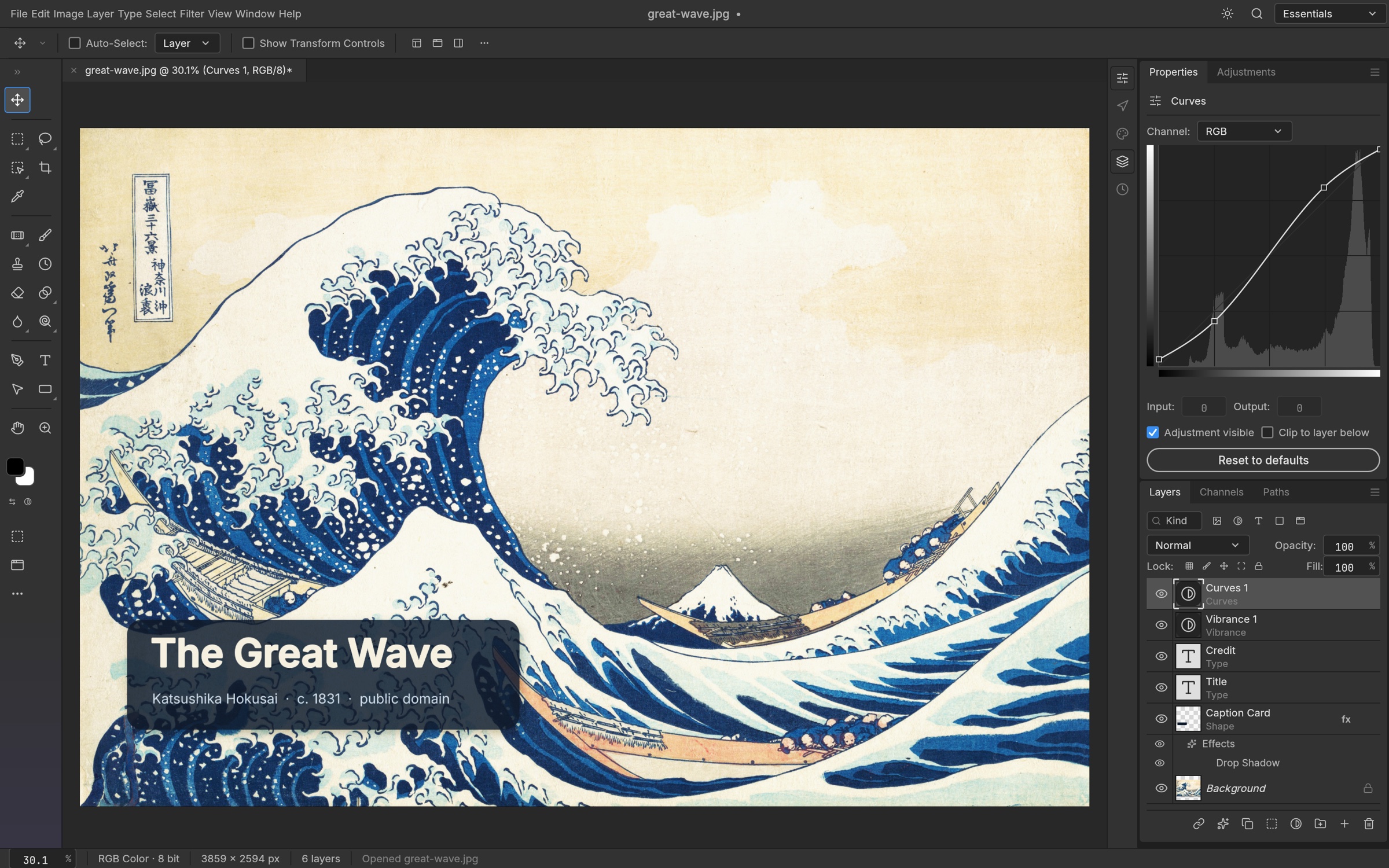
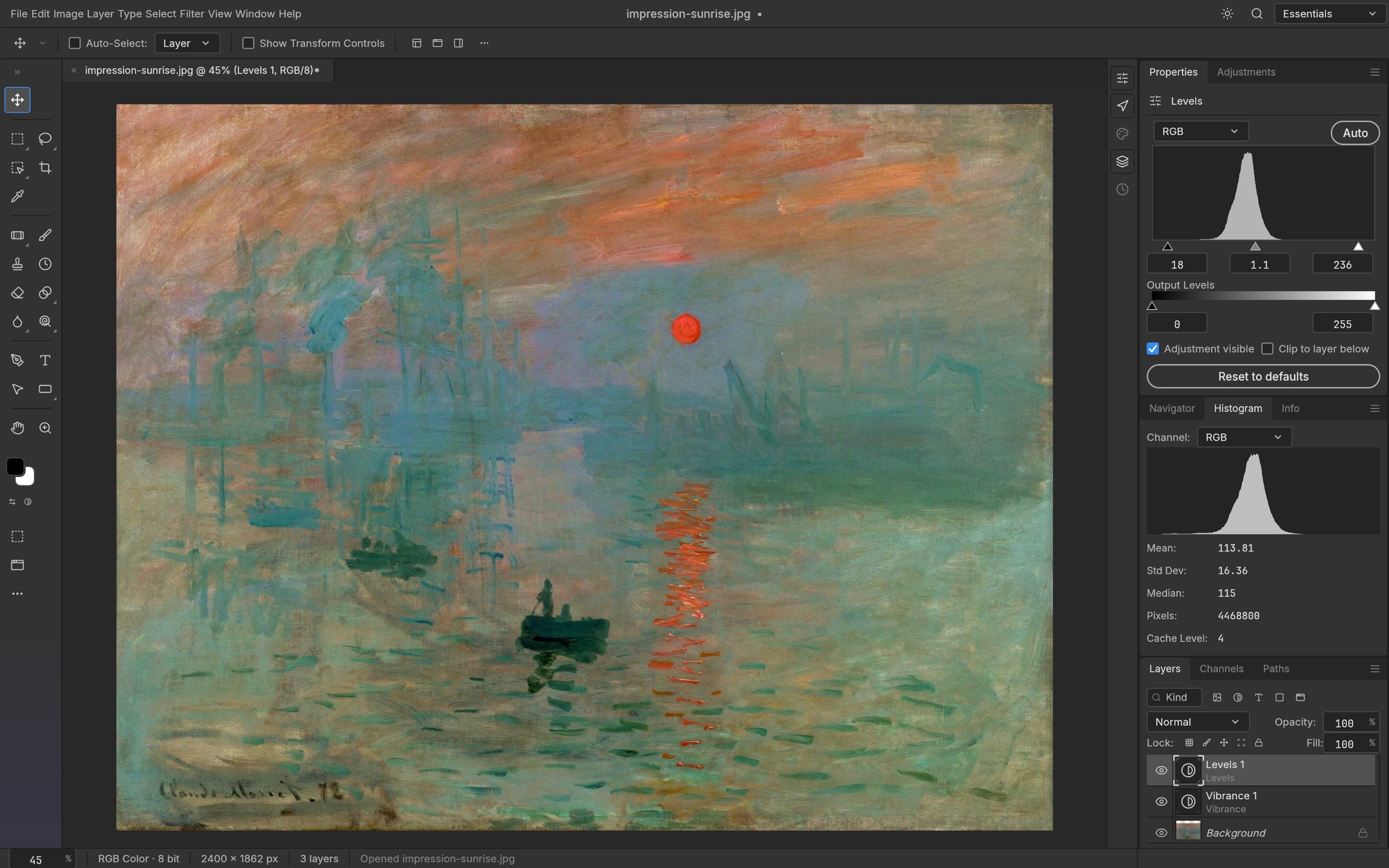
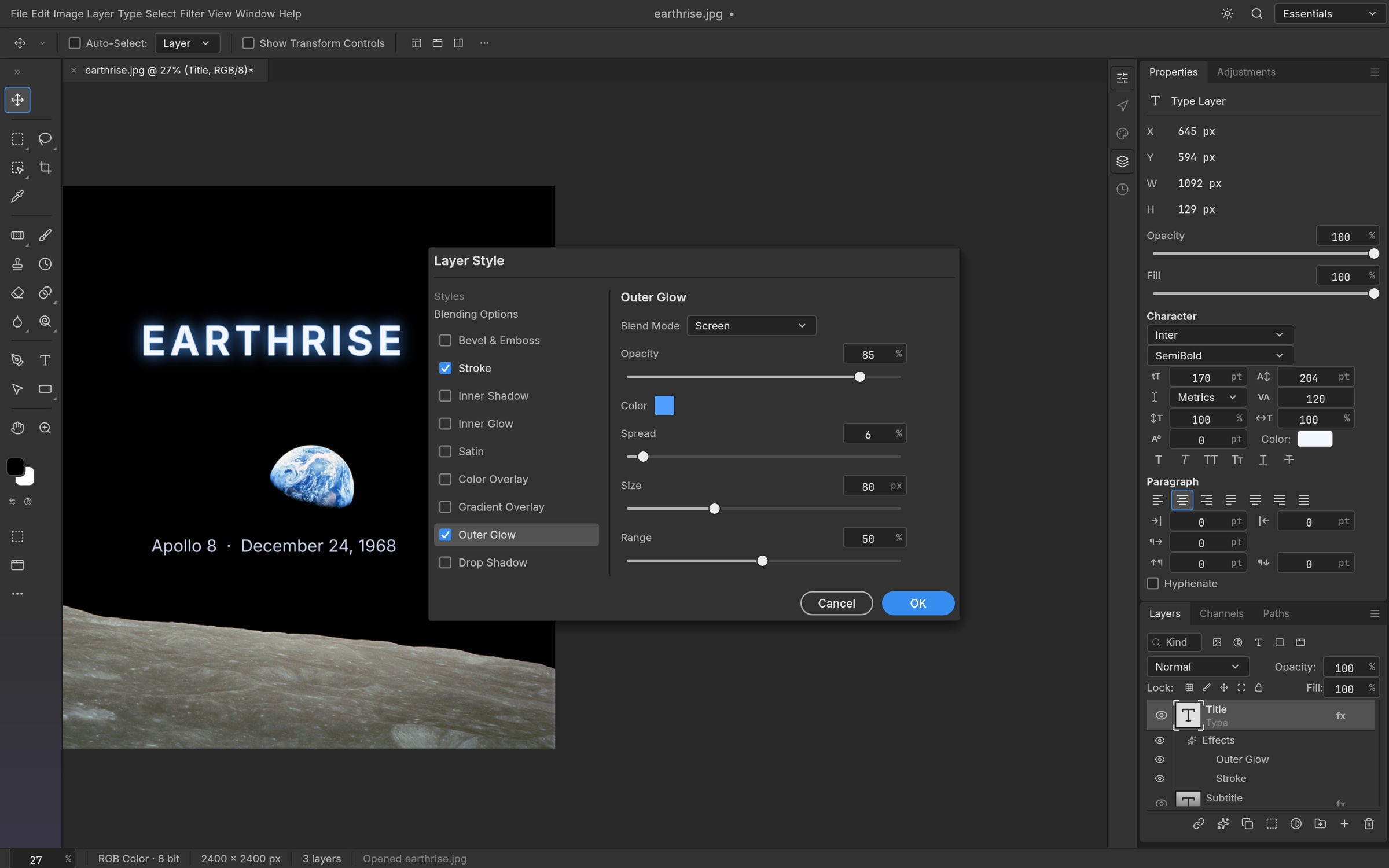
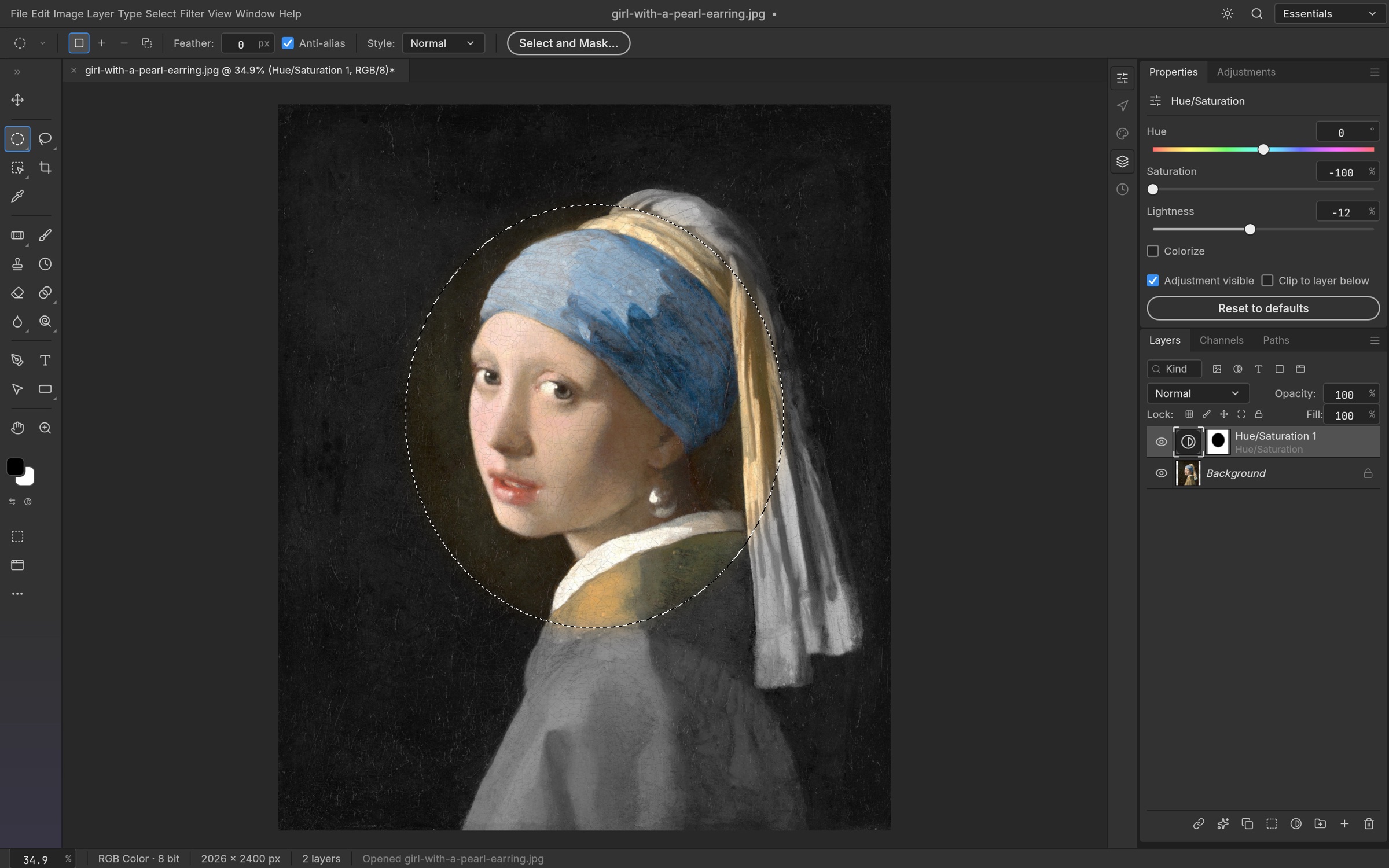
PhotoCraft is the layered image editor in the Craft family. The project overview describes layers, masks, adjustment layers, layer styles, type, vector shapes, brushes, and filters, and it opens and saves layered PSD and PSB files besides its own .pcraft document. The same overview says the editor works offline and does not ask for an account. The README puts counts next to that list: 69 tools, 16 adjustment layers, more than 70 filters with a live preview, 27 Photoshop blend modes, and a registry of 500 or more commands shared by the app, the command line, and an MCP server. The canvas is a GPU compositor through wgpu, on Metal, Vulkan, DirectX 12, and WebGPU. That description is a native compositor. It is not an Electron shell.
The repository license is MIT or Apache-2.0. The status note beside those counts is the other half of the introduction. PhotoCraft is early alpha. A large part of a Photoshop-shaped surface exists in some form, and the project says this is not yet a replacement for daily professional work. The gaps that note names are generative AI, tools that are still missing, depth in typography and professional workflows, and plug-in compatibility. A menu item wired to a command is not the same thing as finished behavior. Builds published for v0.23.1 cover macOS, Windows, Linux, FreeBSD, and a web zip you host yourself. Matching a computer to a filename is Which PhotoCraft file to download. The jobs to postpone are What early alpha means.
Three reasons people open this site
The first reason is the download. The official page offers the ArtCraft Launcher and a wall of installers. Launcher 0.19.2, the release that page pointed at on 21 November 2026, picks the build for the computer, checks it against the release checksums, and later says when an update exists. A standalone MSI, DMG, AppImage, Flatpak, deb, rpm, or tarball installs PhotoCraft on its own. A portable Windows zip keeps settings in a PhotoCraftData folder next to the program. The web zip is a static site you host, and double-clicking it does not install a desktop app. On that same date, app.getartcraft.com opened as ArtCraft Studio, the generative image and video app. That host is a different product. PhotoCraft in the browser keeps the two apart. A window that never stays open starts at When PhotoCraft will not open, and a window that closes, draws on the CPU, or refuses a file for memory continues at When the window closes or the canvas is slow.
The second reason is a PSD you cannot replace. Duplicate it before the first save from PhotoCraft. The README says opening and re-saving keeps the same render for 307 of 309 files in the psd-tools set, and it also says a re-saved file is not byte-identical, because PhotoCraft rewrites image resources, layer records, and the composite. The product page has used its own byte-for-byte figure, 134 of 135 files, for a smaller set. Those are different tests. Open and save a PSD without losing the original keeps them apart. A JPEG someone else can view is a flat export, written up in Send a flat picture and keep the layers, and the layered document stays as it was.
The third reason is the decision to leave another editor. PhotoCraft, Photoshop, GIMP, and Photopea sets PhotoCraft next to Photoshop, GIMP, and Photopea and does not invent a subscription price. What PhotoCraft includes today is the inventory the README counts. Keep the editor you already trust installed until a week of your own copies has gone well. A first afternoon that stays reversible, one adjustment you can turn off and two files at the end, is A first session you can undo.
What this guide will not pretend
PhotoCraft Lab is an independent field guide. It is not the official product page, and it does not speak for the ArtCraft community or for Adobe. Adobe and Photoshop are trademarks of Adobe. The ArtCraft name belongs to its owners. Sentences here are taken from the public README, from the v0.23.1 assets linked on the official PhotoCraft page on 21 November 2026, and from the project guides on craft.wiki. Source and release files live in storytold/photocraft. Questions for the people who build the editor belong on the ArtCraft Discord.
This site does not host installers, the WebAssembly zip, or a copy of the editor. If a filename on these pages is missing from the release you opened, the asset list on that release wins. Where the README and a later wiki page use different words, the page that cites each one says so, and the dialog in the build you installed is the list that applies. The guide is published in English, German, French, Japanese, and Spanish as used in Spain. Those five languages are this website. Changing them does not change the menus inside PhotoCraft. That preference is Change the language inside PhotoCraft. The map of all four benches is PhotoCraft guides.